In the early stages of building a team or company, spreadsheets are a gift. They’re simple, fast to set up, and familiar to just about everyone. Need to track spend, manage a process, or share information across a few people? Open a new tab in Google Sheets or Excel, and you’re off to the races.
But if your company is scaling quickly as it adds people, processes, and increasing pressure to move faster, spreadsheets can quietly become a liability.
At Beezwax, we’ve worked with hundreds of growing teams who hit the same problem. What started as a clever spreadsheet workaround slowly turned into a fragile, messy system that couldn’t keep up. In this post, we’ll break down why that happens and what comes next.

Spreadsheets Work… Until They Don’t
Spreadsheets are designed for flexibility. That’s their greatest strength and their biggest weakness.
They don’t enforce rules or workflows. They don’t have clear roles or permissions. They don’t scale well across multiple teams. And they weren’t designed to serve as shared systems of record.
As your company grows, the consequences start to add up:
- Multiple people editing different versions of the same file
- Slow, manual updates that introduce errors
- Hidden formulas that quietly break when copied
- No audit trail or accountability
- Siloed data across dozens of tabs and folders
Before long, teams are spending more time managing spreadsheets than solving actual problems.
Speed Amplifies the Problem
High-growth companies tend to move fast. That often means internal systems are built reactively, not strategically.
Need a way to track vendor approvals? Spin up a spreadsheet. Need to manage a new onboarding flow? Add another tab. Need to calculate commissions for a growing sales team? Build a formula and hope it scales. And there’s no easy path to workflows that move easily between all of these data sets.
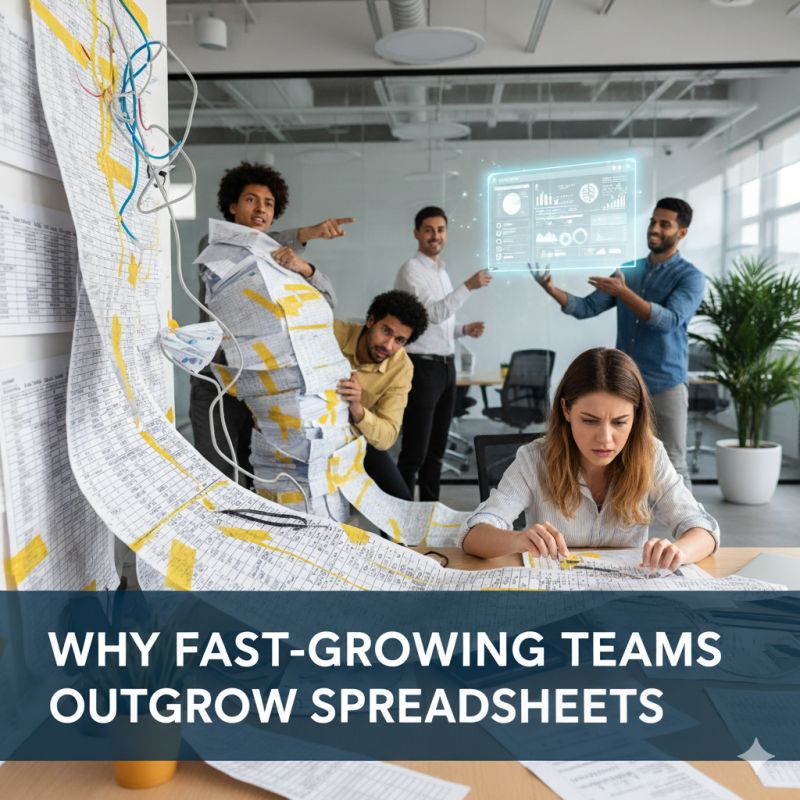
What starts out as pragmatic becomes chaotic. At one point the world went digital to stop paperwork from piling up on desks, but now spreadsheets form silos of their own. And when teams grow beyond 10, 20, or 50 people, the “stacks” of spreadsheets become impossible to ignore. Leadership struggles to get a clear picture. Teams disagree about which version is correct. Information lives in someone’s desktop file, until they go on vacation.
At this point, the question isn’t whether to replace the spreadsheet. It’s how.
The Options Beyond Spreadsheets
Many teams go straight to off-the-shelf software. That can work in some cases, but it often trades one kind of rigidity for another. Most SaaS tools aren’t designed to match your exact workflow, and customizing them can get expensive or impossible. Others try building custom software from scratch, but that can take months, or even years, and requires consistent engineering resources.
There’s a better middle path: internal tools that are purpose-built, flexible, and fast to deliver.
That’s where platforms like FileMaker, modern web components, and AI integrations come in.
What We Build Instead
At Beezwax, we help teams design and develop smarter internal tools, systems that grow with the company, not against it.
We combine:
- FileMaker: Great for structured workflows, approvals, and permissions. It allows non-technical stakeholders to own and evolve internal tools over time.
- Custom Web Interfaces: When you need a modern front-end experience or deep system integration, we build web components that enhance usability and scale.
- AI Development: Thoughtfully integrated AI can help with tasks like document classification, advanced search, data extraction, or even intelligent routing, especially useful when working with unstructured inputs.
This hybrid approach means you don’t need to choose between fast and future-proof. You get both.
Signs You’ve Outgrown Spreadsheets
You don’t need to wait for something to break before upgrading your internal systems. Here are some early warning signs we often see:
- Are your teams reconciling data manually across more than one spreadsheet?
- Are more than three people editing the same file at once?
- Have you lost data, or had difficulty backtracking after someone made an unintended change?
- For the given process that each spreadsheet represents, is there no clear “source of truth”?
- Are you copying spreadsheets, then deleting rows and tabs to limit which data certain users see?
- Are multiple people building parallel versions of the same tracker, customized to their own needs?
If any of this sounds familiar, you’re not alone. We’ve helped teams at companies large and small navigate this transition.
What Comes Next
Outgrowing spreadsheets is a good problem to have. It means your team is scaling. Your processes are getting more complex. You’ve moved beyond quick fixes, and now it’s time to build something better.
That doesn’t require a massive enterprise rollout or a long procurement cycle. In many cases, it means building a fit-for-purpose tool that supports how your team actually works. Start with something that automates the repetitive parts, guides decisions, and gives leadership real-time visibility.
And because it’s built for your exact use case, it can evolve alongside your team.
Helping You Find the Right Fit
There’s no single right answer for every company. Sometimes FileMaker is the core platform. Sometimes it’s paired with web components or extended with AI logic. Sometimes it’s the glue between systems your team already uses.
The point isn’t the technology, it’s the outcome. The right internal tool should reduce friction, speed up work, and help your team scale sustainably.
If you’re starting to feel the limits of your spreadsheet stack, we’re happy to help you think through the next step.