Maintaining the health and security of your Linux servers is more crucial than ever. With any server, you should be using real-time monitoring solutions, and performing backups every day (or more often, depending on data use). And, while you can rely on the OS to automatically install updates–especially on Windows and Mac–with Linux you benefit from a more “managed” approach to regular maintenance.
In this article, we highlight questions and answers on prioritizing Linux server maintenance:
- How often do you need Linux server maintenance?
- What do you get from keeping your Linux environment updated?
- Why is maintenance important for running your FileMaker and Web applications?
- Why is maintenance important for running secure Web applications?
- Why do you need local and offsite backups? And what’s the importance of monitoring?
- How does regular maintenance improve system performance and reliability?
How often do you need Linux server maintenance?
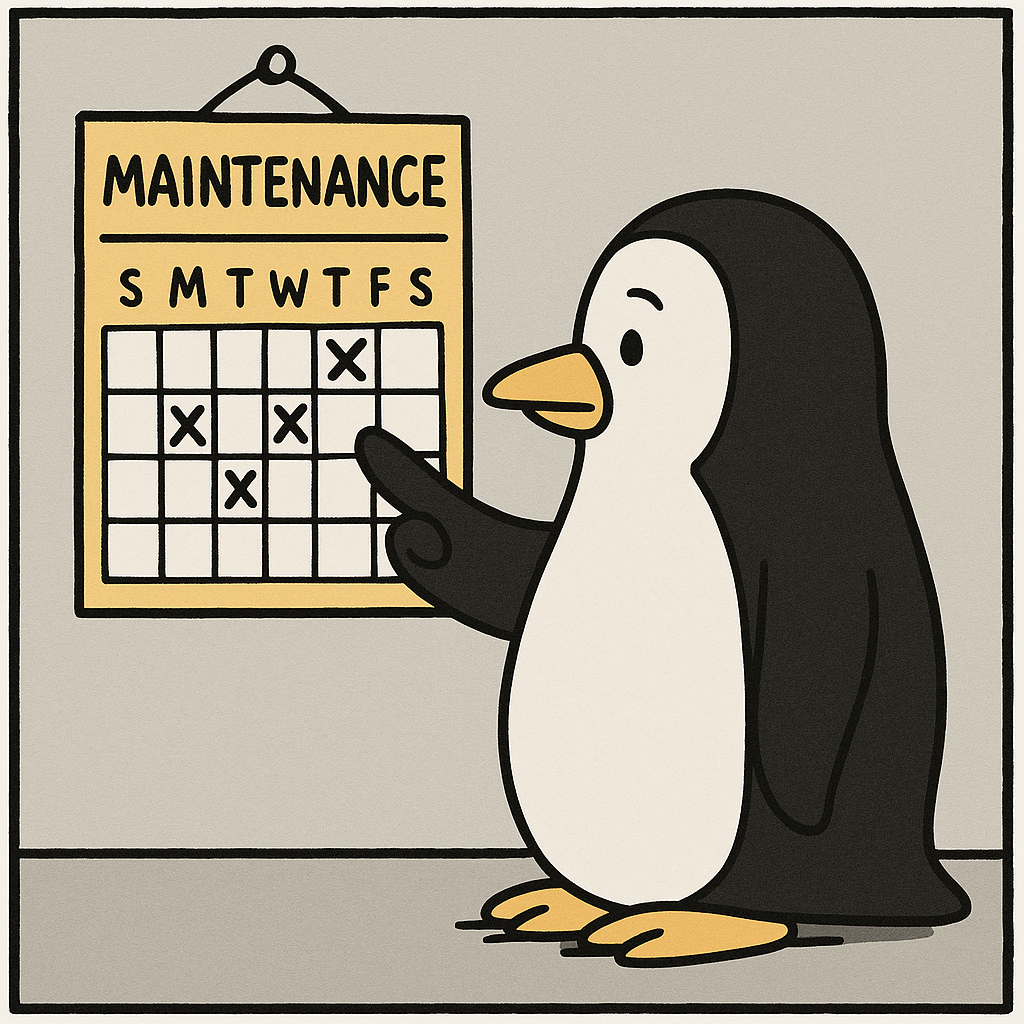
We recommend at least monthly, per server. This applies equally to each VM instance, and regardless of whether a server is “development”, “staging” or “production”.
Monthly maintenance not only keeps your systems running smoothly but also ensures the integrity and performance of your applications. Whether we’re managing a web application, a database (e.g. FileMaker or SQL), middleware for integration, or servers for ML/AI & MCP, we carry out regular updates and checks to help prevent potential disasters and keep your operations secure.
This doesn’t mean you need to perform maintenance every day, nor even every week. The Linux world accepts the idea that updates happen, regularly. Getting on a schedule is the best way to make sure those updates get installed, regularly.
What do you get from keeping your Linux environment updated?
A monthly Linux server restart is an ideal way to get kernel updates that install security patches and upgrades. These updates can:
- remediate vulnerabilities.
- protect against viruses and hackers.
- provide hotfixes that enhance the performance and stability of your system.
Why is maintenance important for running your FileMaker and Web applications?
Performing updates and upgrades to FileMaker Server (FMS) helps protect against new vulnerabilities, improve application and system performance, and provide new features. Our Claris/FileMaker development and DevOps teams review any new release of FMS to ensure your application will continue to work correctly before jumping to a new version.
Why is maintenance important for running secure Web applications?
Security patches and upgrades remediate vulnerabilities, protect against viruses and hackers, and provide hotfixes that enhance the performance and stability of your system.
Why do you need local and offsite backups? And what’s the importance of monitoring?
Local backups can be run daily (or weekly or hourly, if data use dictates). These local backups are typically fast and can exist in the same environment as your application.
Offsite backups are stored in a completely different location, to avoid a scenario where a data center goes offline for an extended period or experiences some disaster.
Backup audits are done to ensure that crucial data is successfully being backed up, so you and your team are never in a position where you lose time or important data.
Real-time monitoring can notify you and your maintenance team as soon as a server is down or performing much slower than usual.
How does regular maintenance improve system performance and reliability?
Regular maintenance helps in identifying and fixing performance bottlenecks, ensuring that your server runs efficiently. By monitoring system logs and performing routine diagnostics, potential issues can be detected early and be resolved before they escalate. This proactive approach minimizes downtime and ensures that your server remains reliable and responsive, providing a seamless experience for your users.
Conclusion
Monthly Linux server maintenance is not just a routine task; it’s a critical component of your IT strategy.
By keeping your systems updated, securing your applications, ensuring reliable backups, and optimizing performance, you can avoid potential disasters and maintain a robust and secure server environment.
Prioritize these maintenance tasks to safeguard your data, enhance performance, and ensure the smooth operation of your business.